![iblum_Icon_RGB.png]](https://help.iblum.co/hs-fs/hubfs/iblum_Icon_RGB.png?height=40&name=iblum_Icon_RGB.png)
Step-By-Step Guide
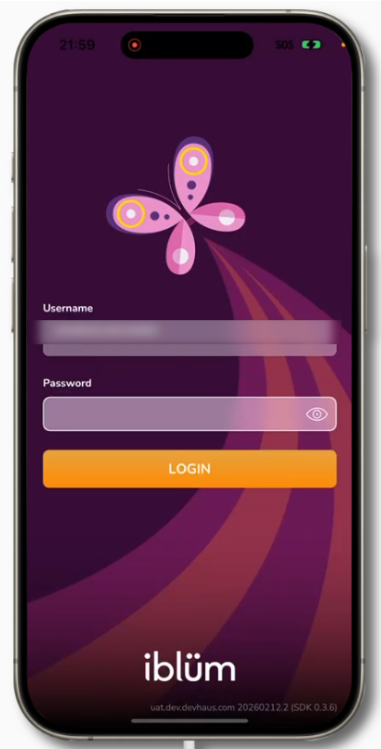
Step 1: Login with your parent credentials on the iBlum App.
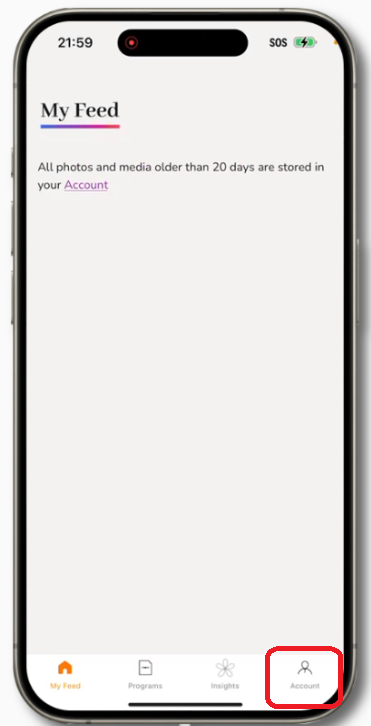
Step 2: Navigate to the Account tab located at the bottom right of the screen.
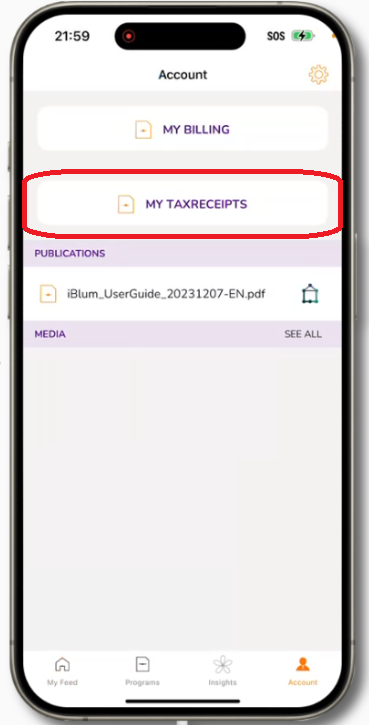
Step 3: Select Tax Receipts from the Account menu.
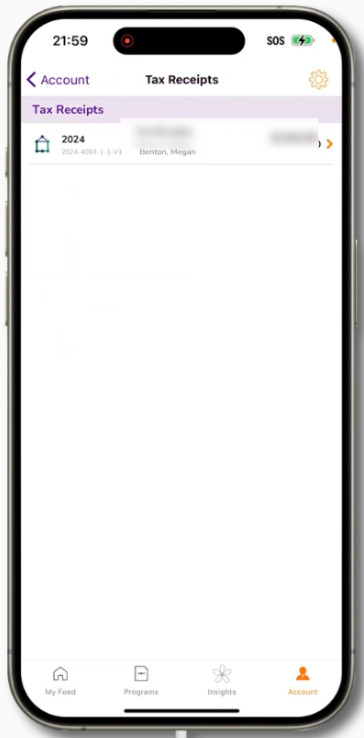
Step 4: If multiple years are available, select the year you wish to view.
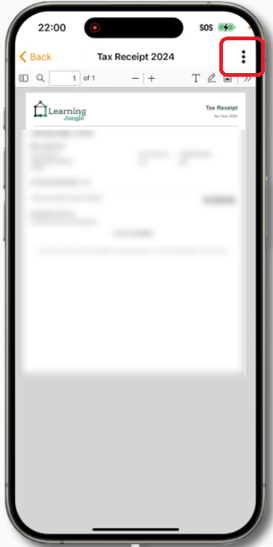
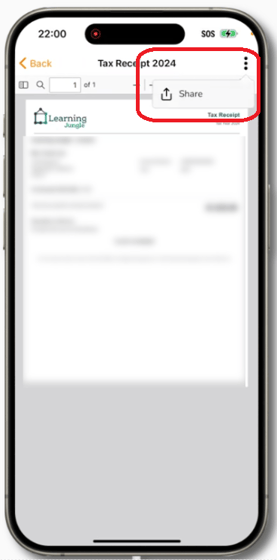
Step 5: Select the three dots on the top right corner to view more options and select Share.
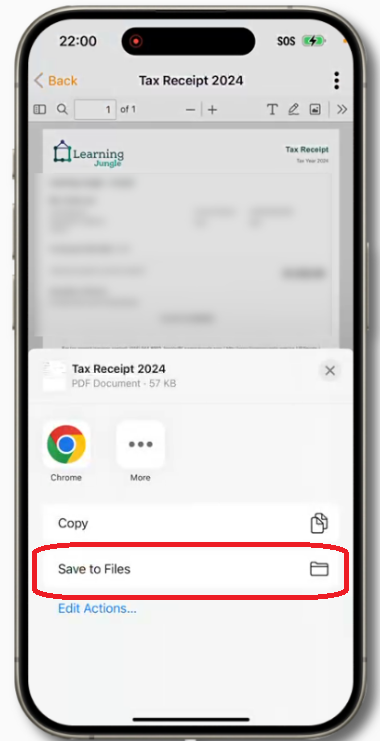
Step 6: Select Save to Files.
NOTE: If you cannot see your tax receipts, please reach out to your center supervisor to release it and check again.