![iblum_Icon_RGB.png]](https://help.iblum.co/hs-fs/hubfs/iblum_Icon_RGB.png?height=40&name=iblum_Icon_RGB.png)
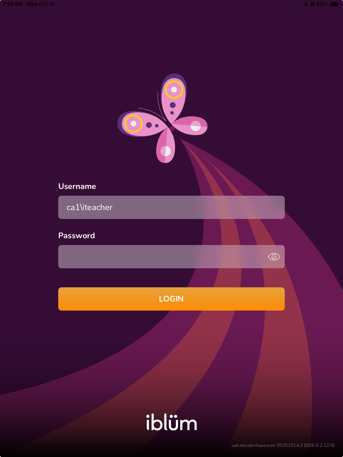
Step 1: If not already logged in, please do so using the credentials where issues have been experienced.
Step 2: Navigate to Settings
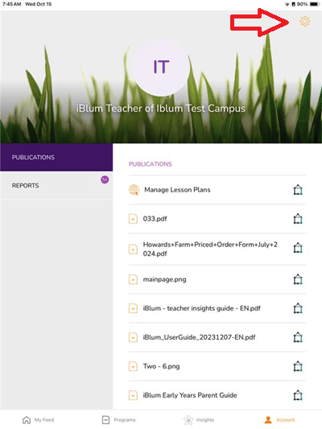
- On the bottom of the screen tap 'Account'
- It should should navigate you to your account and display the settings icon

Step 3: Select ZIP and Upload
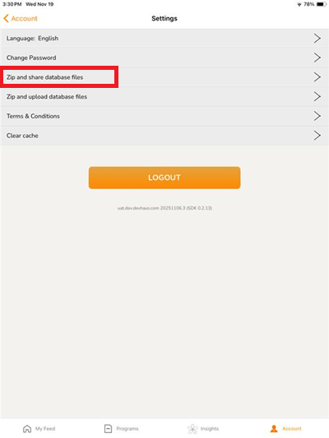
- Once on the settings page you should see the option to 'Zip and share database files'
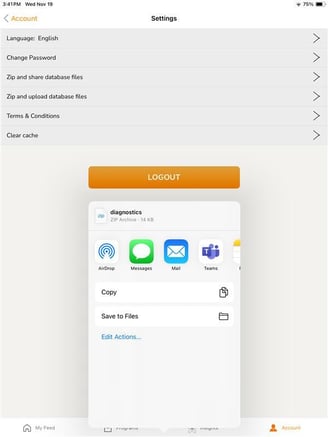
- Select it and it should show a pop-up with options on where and who you want to share the files