![iblum_Icon_RGB.png]](https://help.iblum.co/hs-fs/hubfs/iblum_Icon_RGB.png?height=40&name=iblum_Icon_RGB.png)
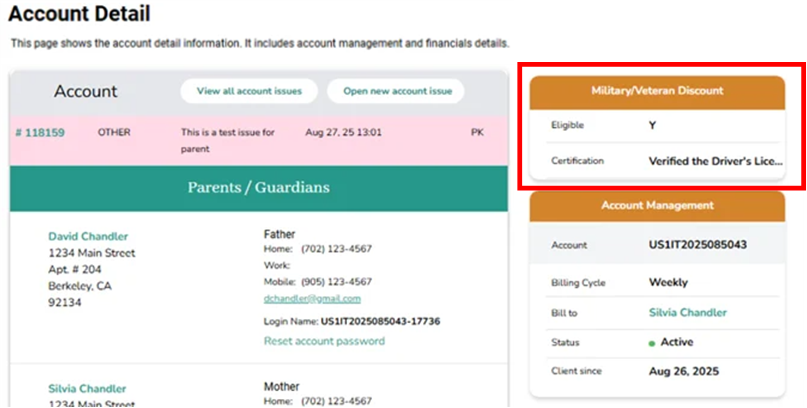
- To apply, check Eligible for Military/Veteran Discount for the primary parent and list the verification documents (e.g., Military ID, DD214). The system then applies the configurable discount to each enrolled child’s parent fees. Checking the box and providing documentation serves as attestation that the parent’s military credentials have been verified. For a step-by-step instructions, refer to the How to Create a New Family Account user guide.
- For details on how the discount appears within the family account, see the Account Detail Page user guide.